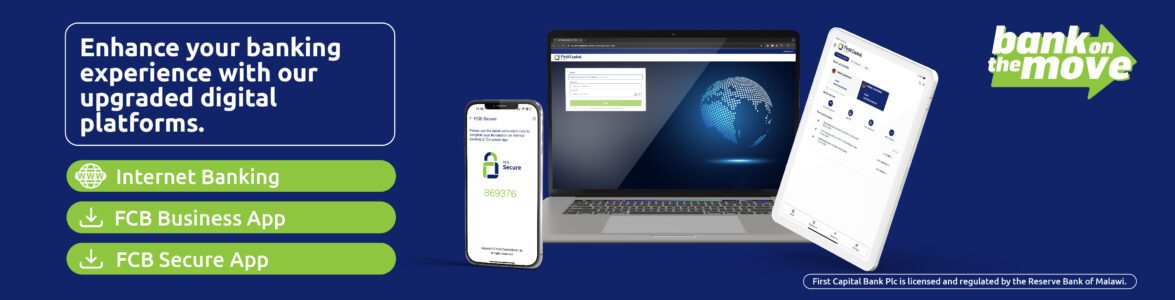
Secure OTP Authentication Made Easy
Enhance your Internet Banking experience with FCB Secure, First Capital Bank’s authenticator application that provides fast, reliable and secure transaction authentication wherever you are in the world.
With FCB Secure, you can generate secure one-time passwords (OTPs) instantly on your smartphone, providing a convenient alternative to SMS-based OTPs.
Getting Started
Step 1: Download the App
Search for FCB Secure on the Apple App Store or Google Play Store and install the application on your smartphone.
Step 2: Link Your Account
Log in to Internet Banking and follow the path below:
Settings > Security Settings > Authentication Mode > Edit > Authenticator App
Confirm your selection to complete the setup.
Why Use FCB Secure?
Instant Authentication
Generate secure OTPs instantly to authorise transactions on Internet Banking without waiting for SMS delivery.
Access Anywhere
Generate OTPs from anywhere in the world, even when you do not have access to SMS services through your mobile network.
Enhanced Security
Benefit from secure, encrypted authentication designed to protect your banking transactions.
When Will I Use FCB Secure?
FCB Secure is used whenever Internet Banking requires transaction authentication, including:
- Telegraphic Transfers
- Beneficiary creation and maintenance
- High-value payments and transfers
- Other transactions requiring enhanced security verification
Frequently Asked Questions
Do I need an internet connection to generate an OTP?
No. Once activated, FCB Secure can generate OTPs without mobile network coverage.
Can I use FCB Secure while travelling?
Yes. FCB Secure works globally and is ideal for customers travelling outside Zimbabwe.
Can I use both SMS OTP and FCB Secure?
No. Internet Banking allows only one authentication method to be active at a time. Once you select FCB Secure as your preferred authentication method, OTPs will be generated through the app instead of being sent via SMS. Should you wish to revert to SMS OTP authentication, you can update your authentication settings accordingly.
What happens if I change, lose or reset my phone?
If you replace, lose or reset your mobile device, please contact the Bank for assistance with reactivating FCB Secure on your new device.
Need Assistance?
For support with registration or activation, please contact us:
Digital Banking Support
Email: corporate.channels@firstcapitalbank.co.zw
Customer Service
WhatsApp: +263 774 199 900
Telephone: +263 8677 007 336
Toll Free (Landlines): 08004216
Toll Free (Econet): 08080093-6
Email: customer-service@firstcapitalbank.co.zw